Steps to create your OPAL account
-
1
Open the OPAL grants portal
Go to the OPAL grants portal. You can also find the link to OPAL on our Grants Dashboard, our one-stop shop for grant information. Be sure to bookmark the Grants Dashboard for future reference.
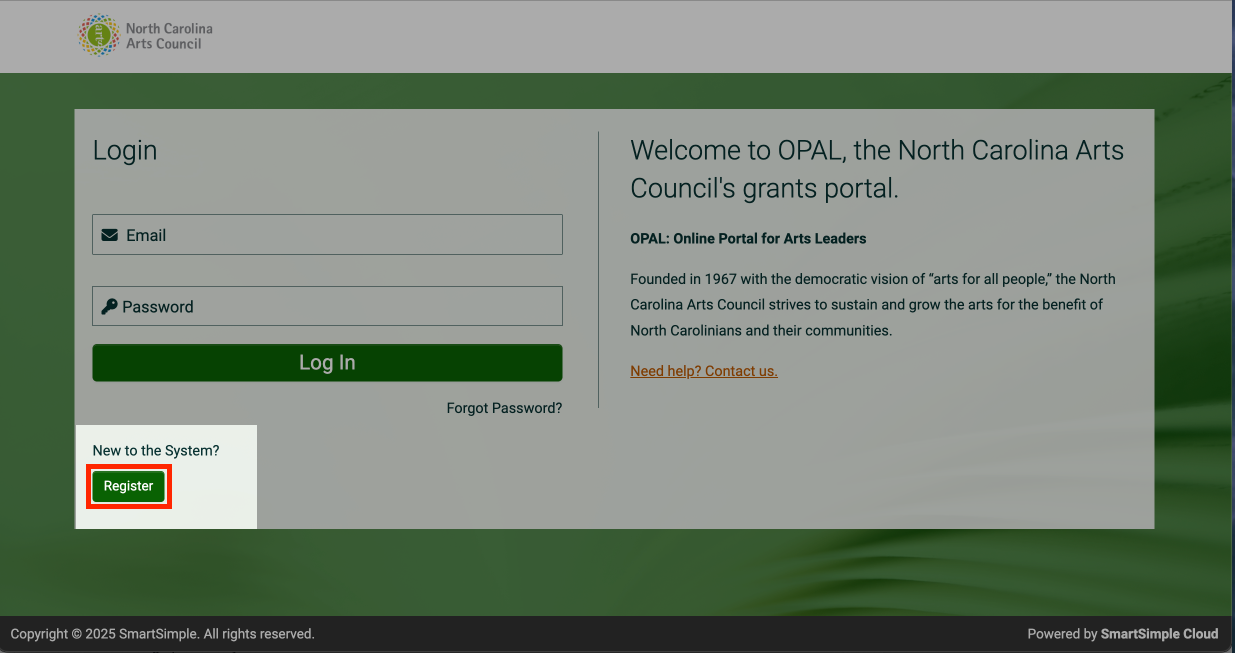
From the OPAL homepage, click the "Register" button in the bottom-left corner.
-
2
Registration options
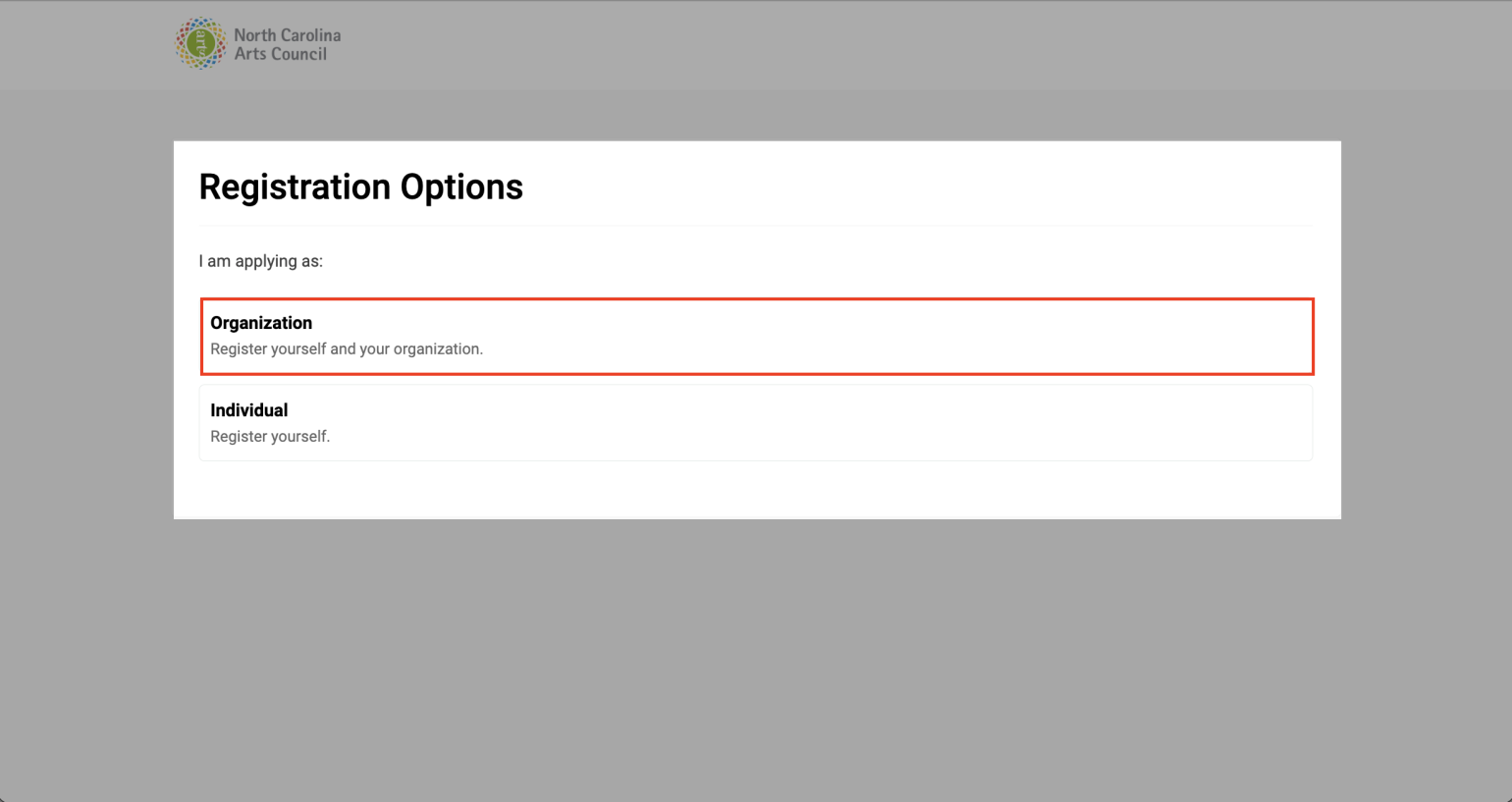
From the "Registration Options" page, select whether you are applying as an organization or as an individual.
- Select Organization if you are applying for our grants for organizations
- Select Individual if you are apply for our grants for individuals
-
3
Register as an organization
If you select “I’m applying as an organization,” you’ll be taken to the Organization Search in OPAL page. Follow the on-screen instructions to find your organization, then select the correct option and enter your contact information. Submit the form when complete.
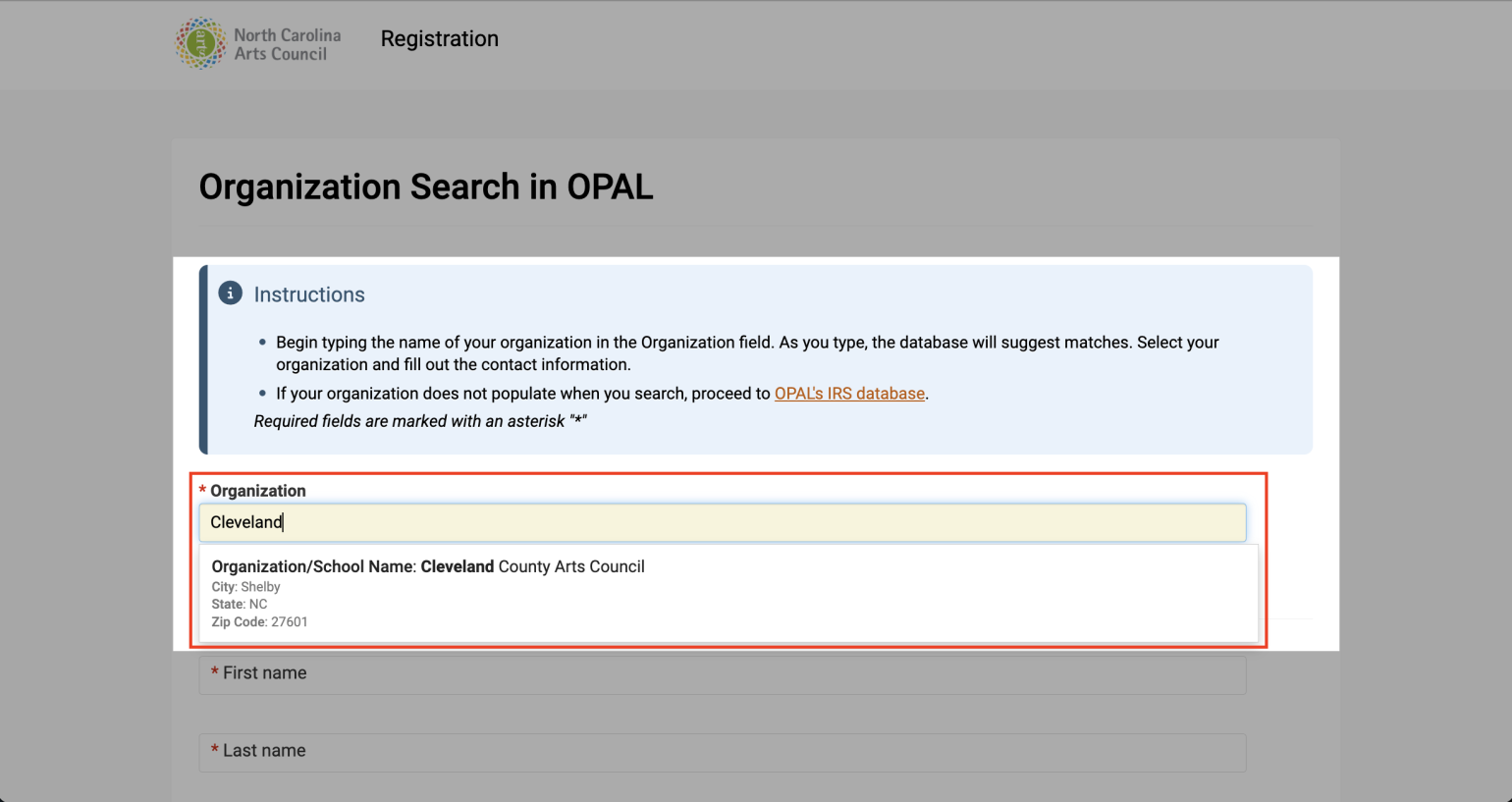
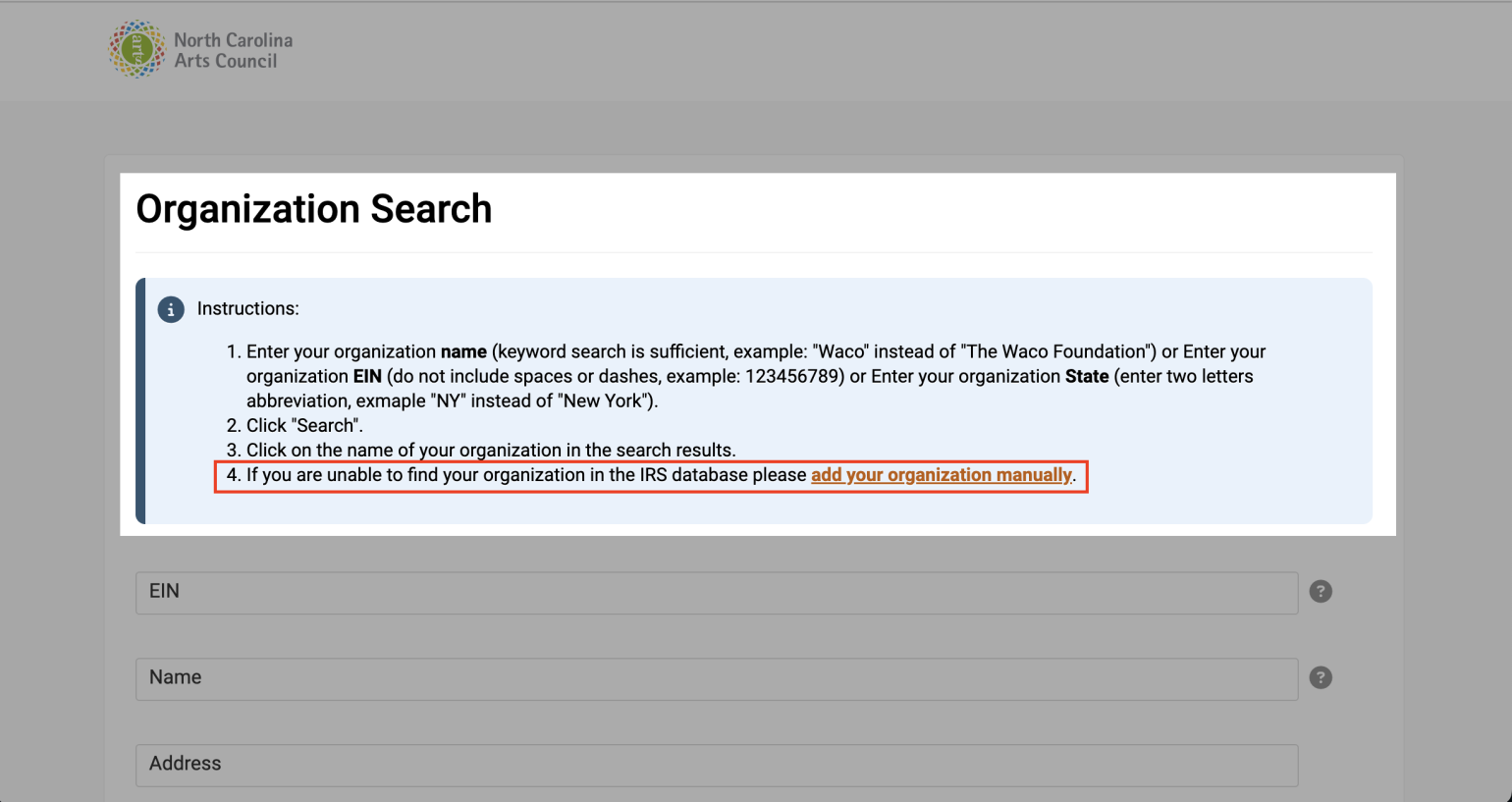
If you don’t see your organization in the search results on the Organization Search in OPAL page, follow on-screen instructions and proceed to OPAL's IRS database. Search for your organization, then complete all required organizational and contact information. Submit the form when complete.
Tip: Adding "North Carolina" to the State field will narrow your search. If you know your organization's EIN, that’s the fastest way to find it.
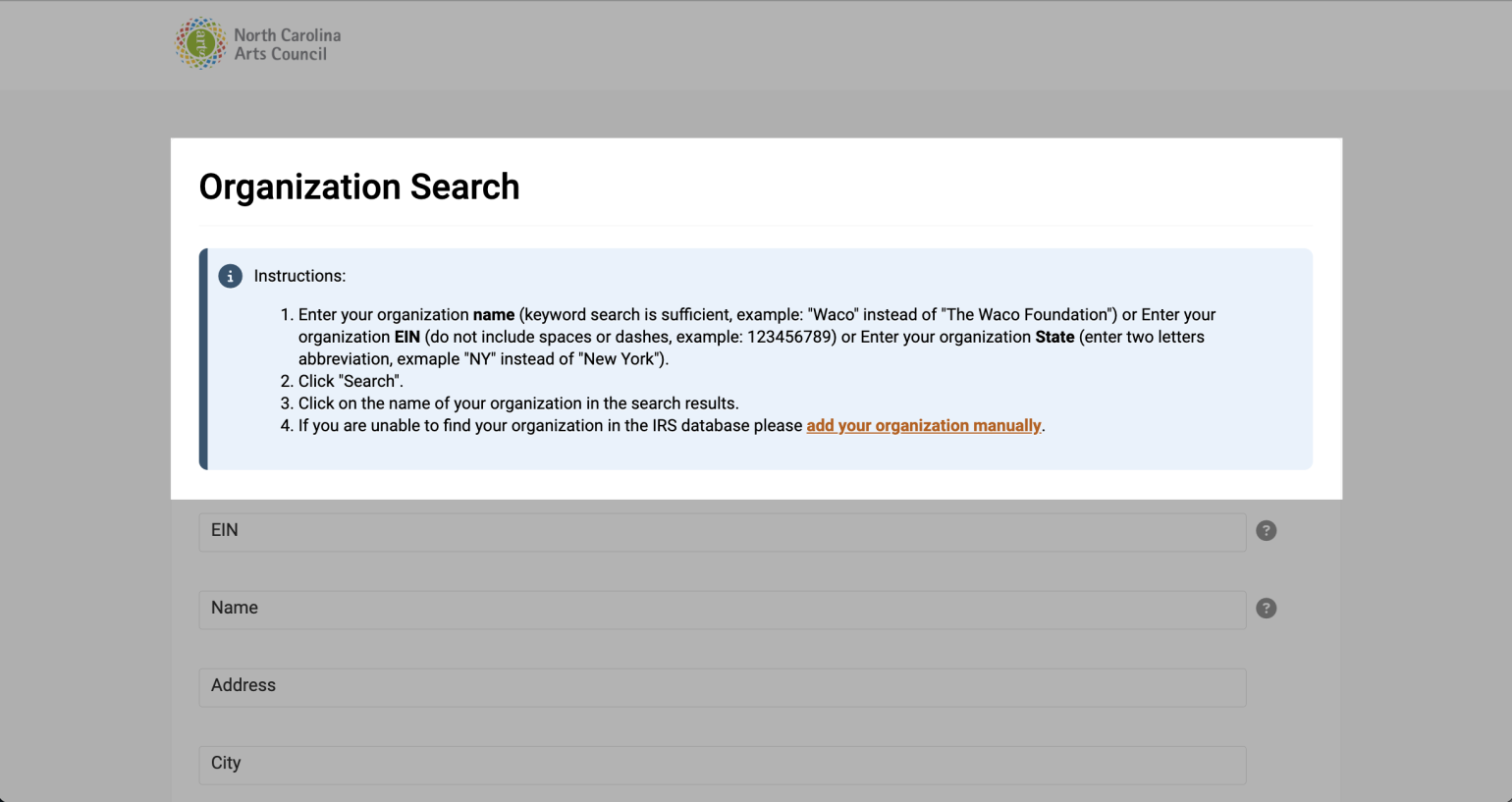
If you can’t find your organization in OPAL’s IRS database, click the “Add your organization manually” link on the IRS database search page and follow the on-screen instructions to complete registration.
-
4
Register as an individual
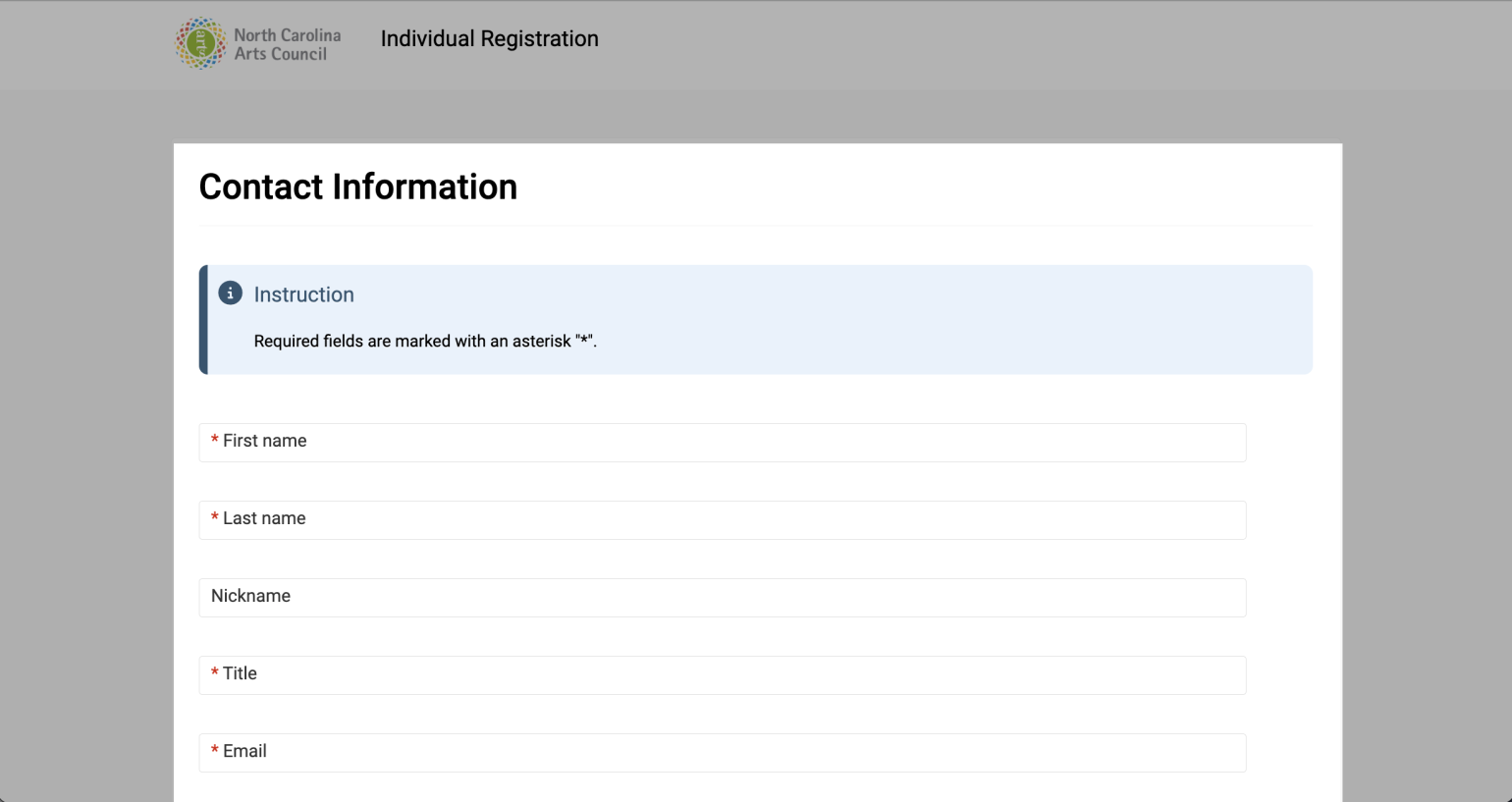
If you select “I’m applying as an individual,” you'll be taken to a Contact Information page. Follow on-screen instructions and fill out all required fields. Submit the form when complete.
-
5
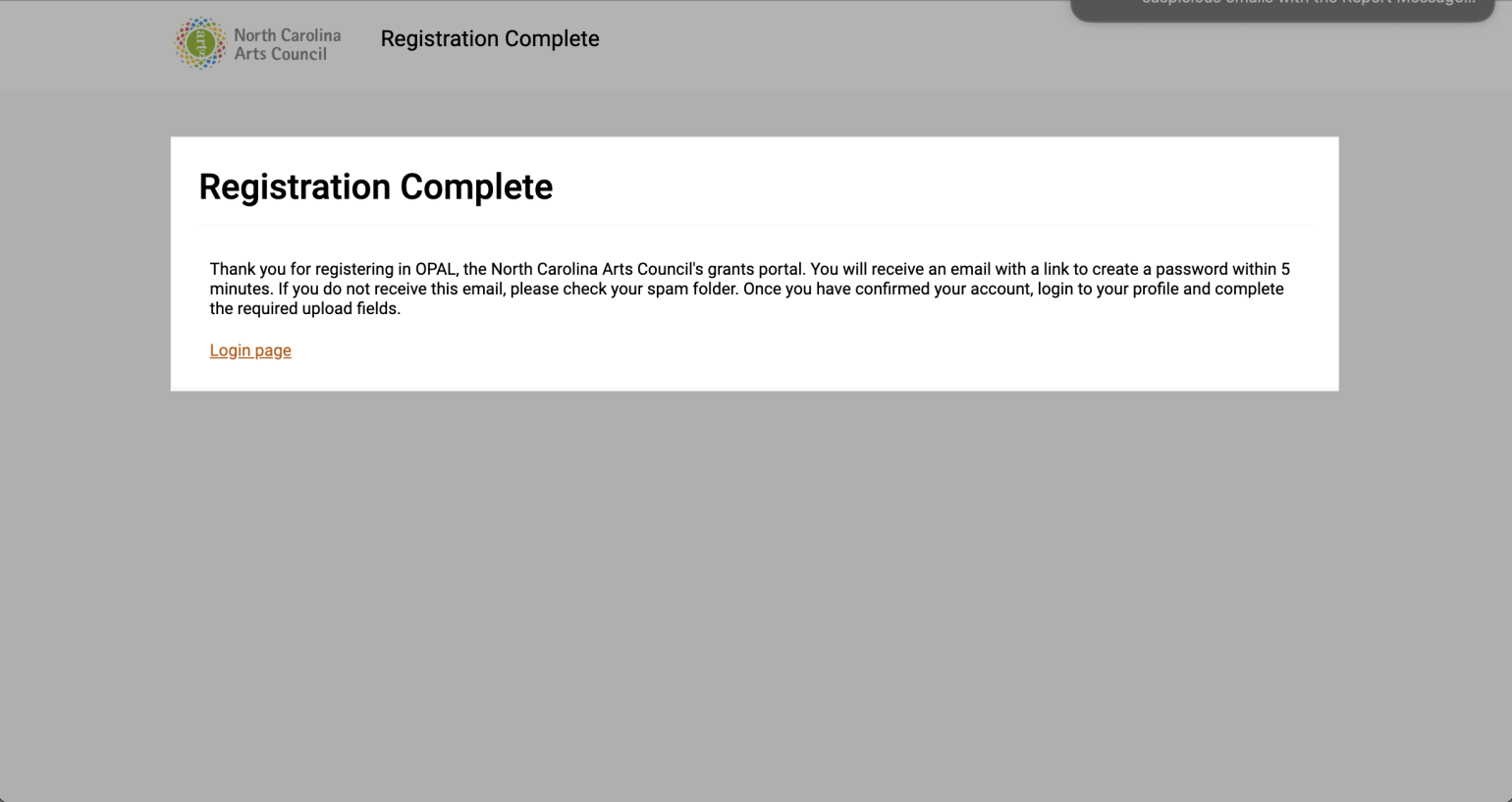
Complete registration and create password
After completing and submitting your registration form as an organization or individual, you’ll see a confirmation message indicating your registration is complete. Check your email for a link to create your account password. If you don't receive the email after 30 minutes, please contact us for support.